ARCA APP
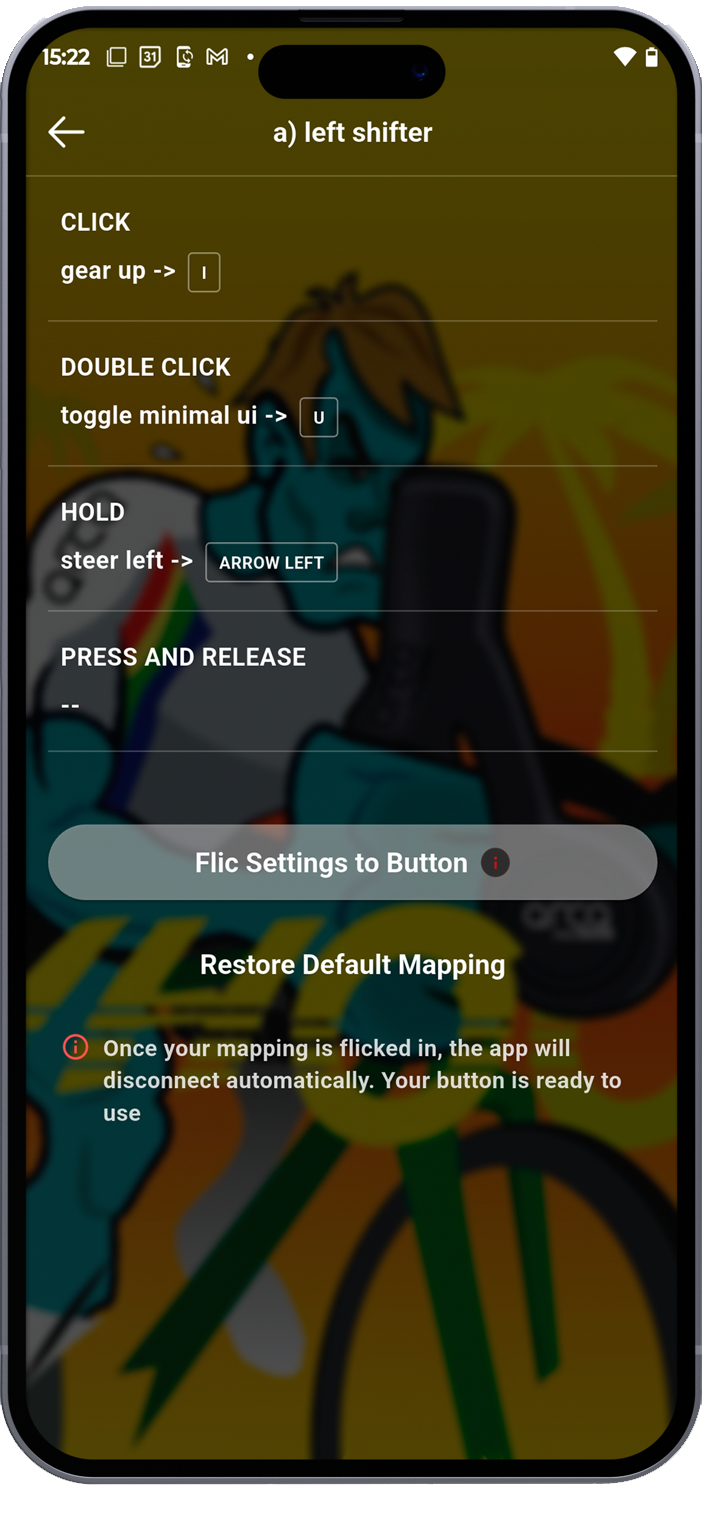
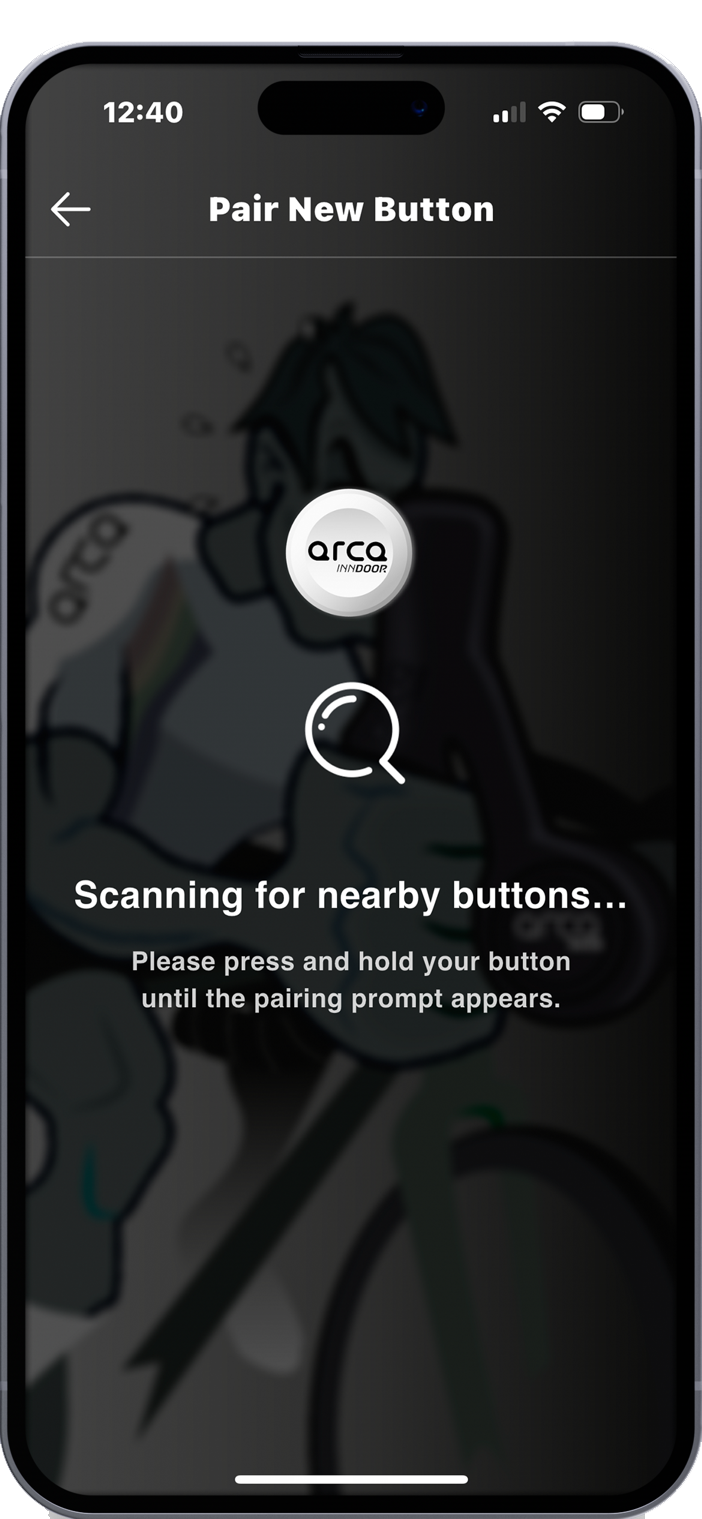
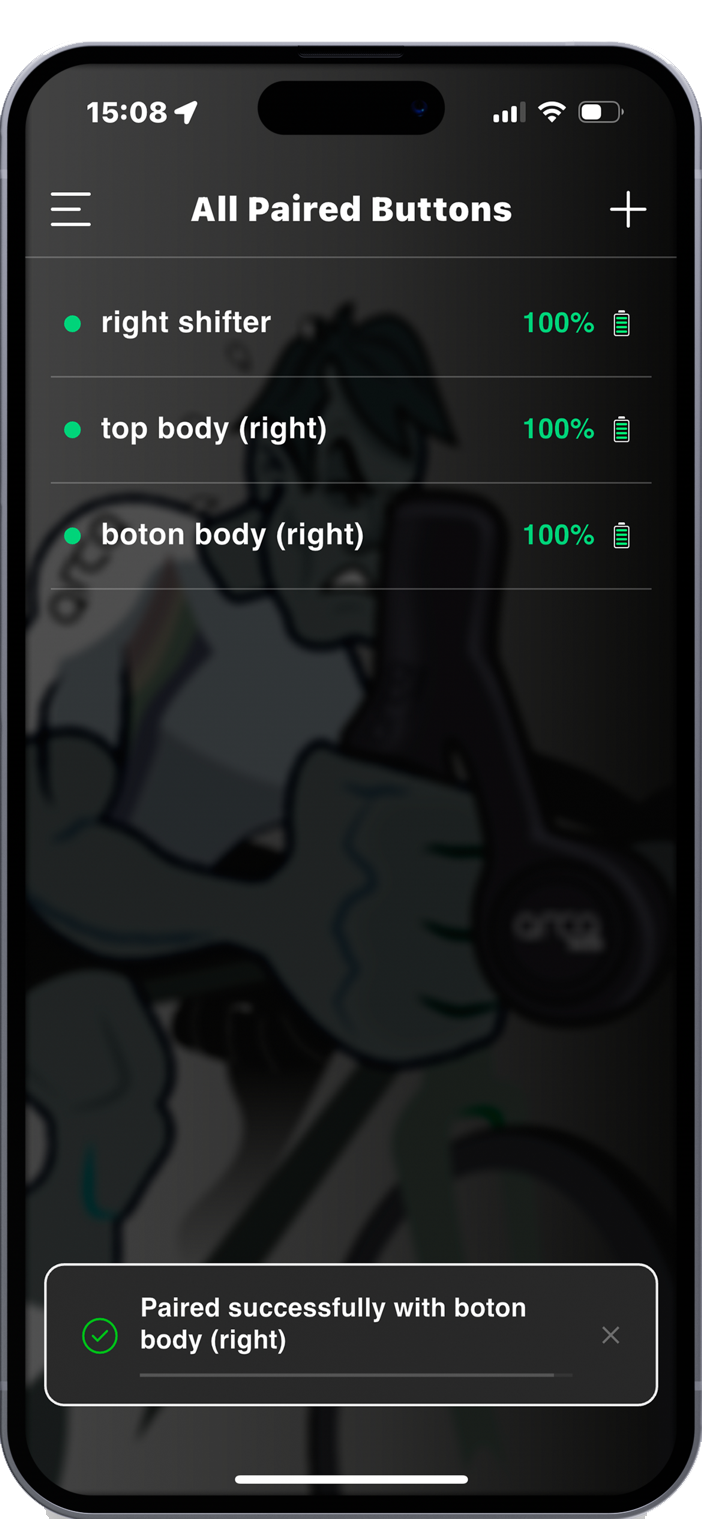
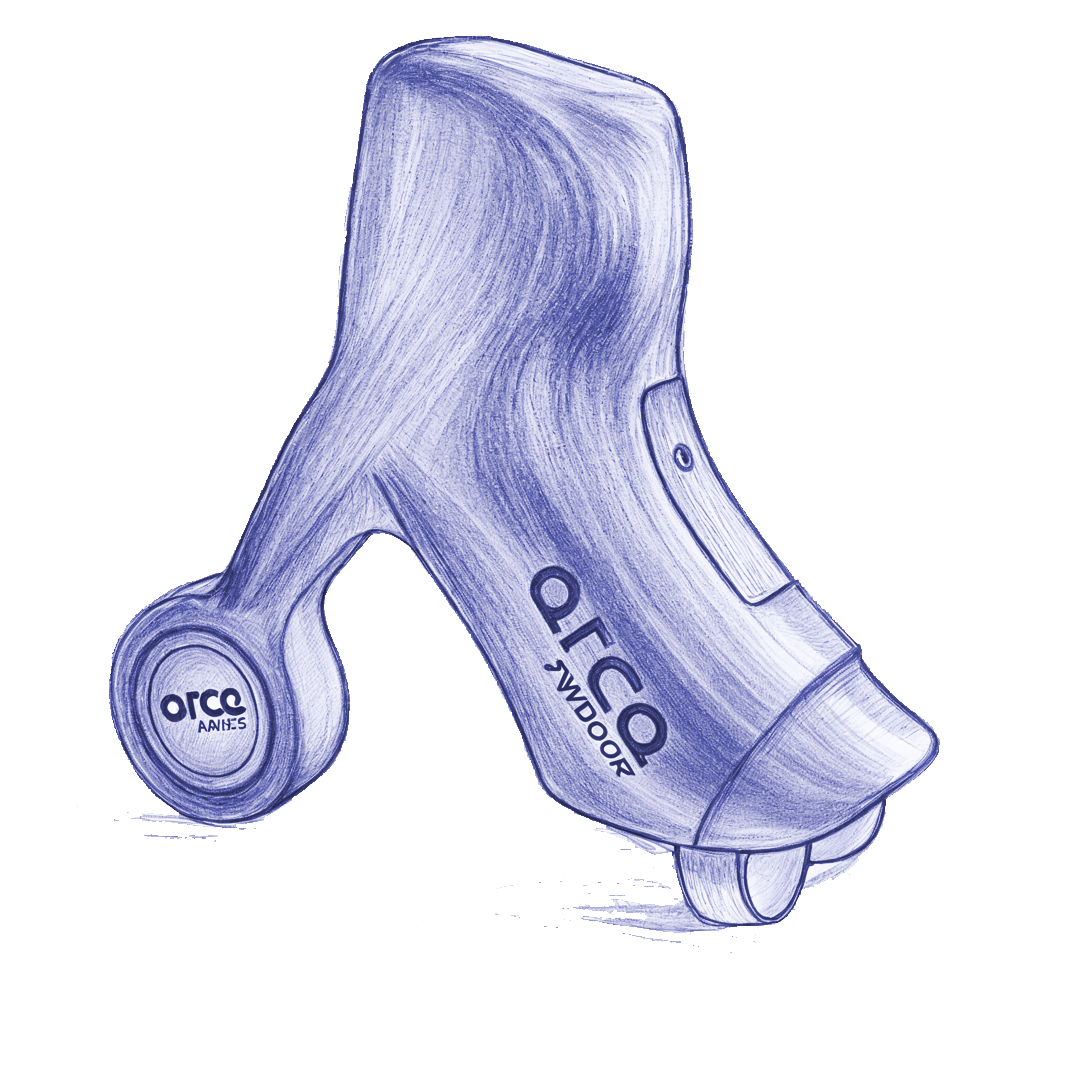
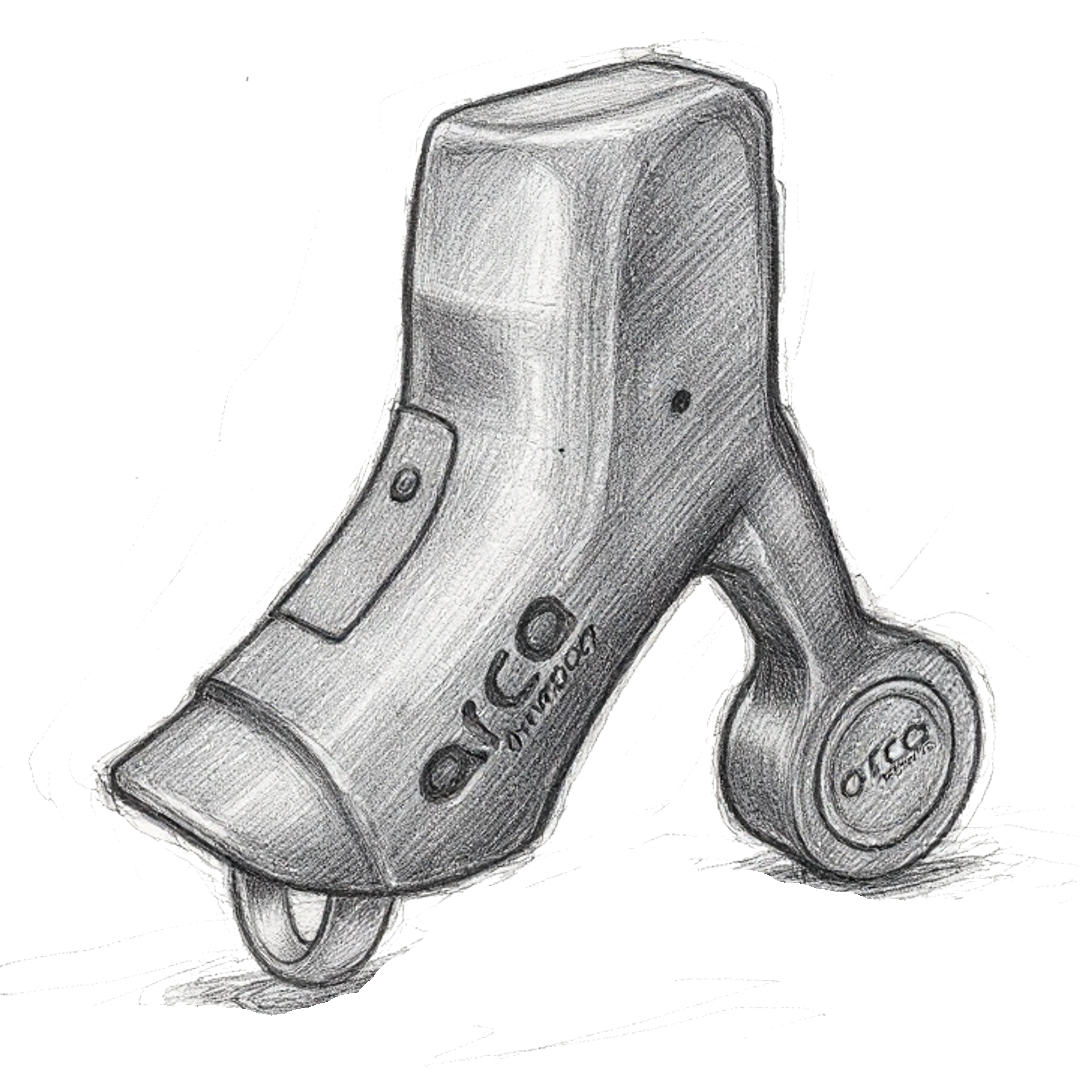
The Arca App is the control center of the Train Your Freedom & Arca ecosystem.
Usage Modes
The different usage modes are compatible with each other, you can configure different buttons for different uses, and learn to combine them.
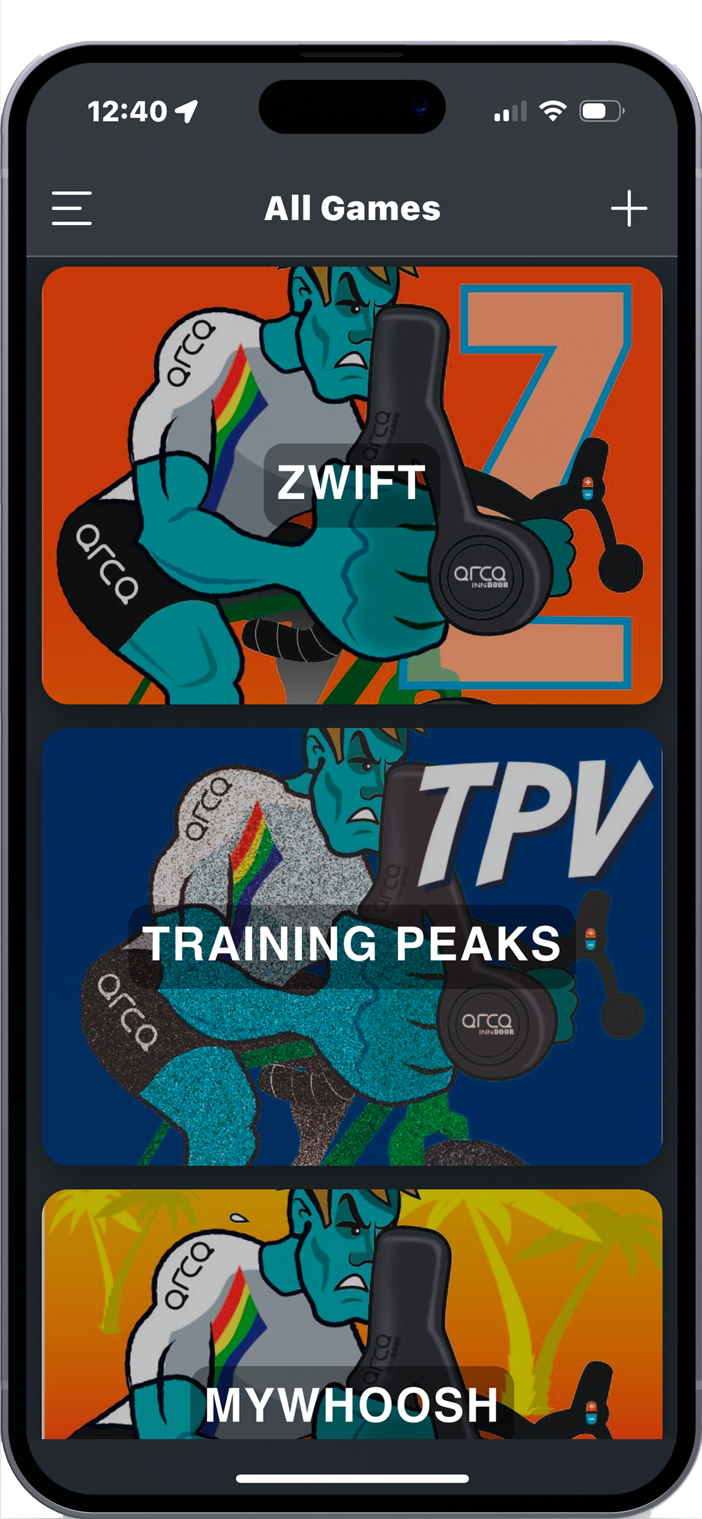
1. Keyboard Mode (HID)
Converts Arca Smart buttons into a standard Bluetooth keyboard, capable of sending commands to any simulator or application that accepts keyboard inputs.
Ideal for:
- MyWhoosh
- TrainingPeaks Virtual
- Zwift
FEATURES
- ✓Compatible with any application that accepts keyboard
- ✓Instant response without latency
- ✓Simple configuration through the Arca app
- ✓Saved profiles for each game
Button Configuration
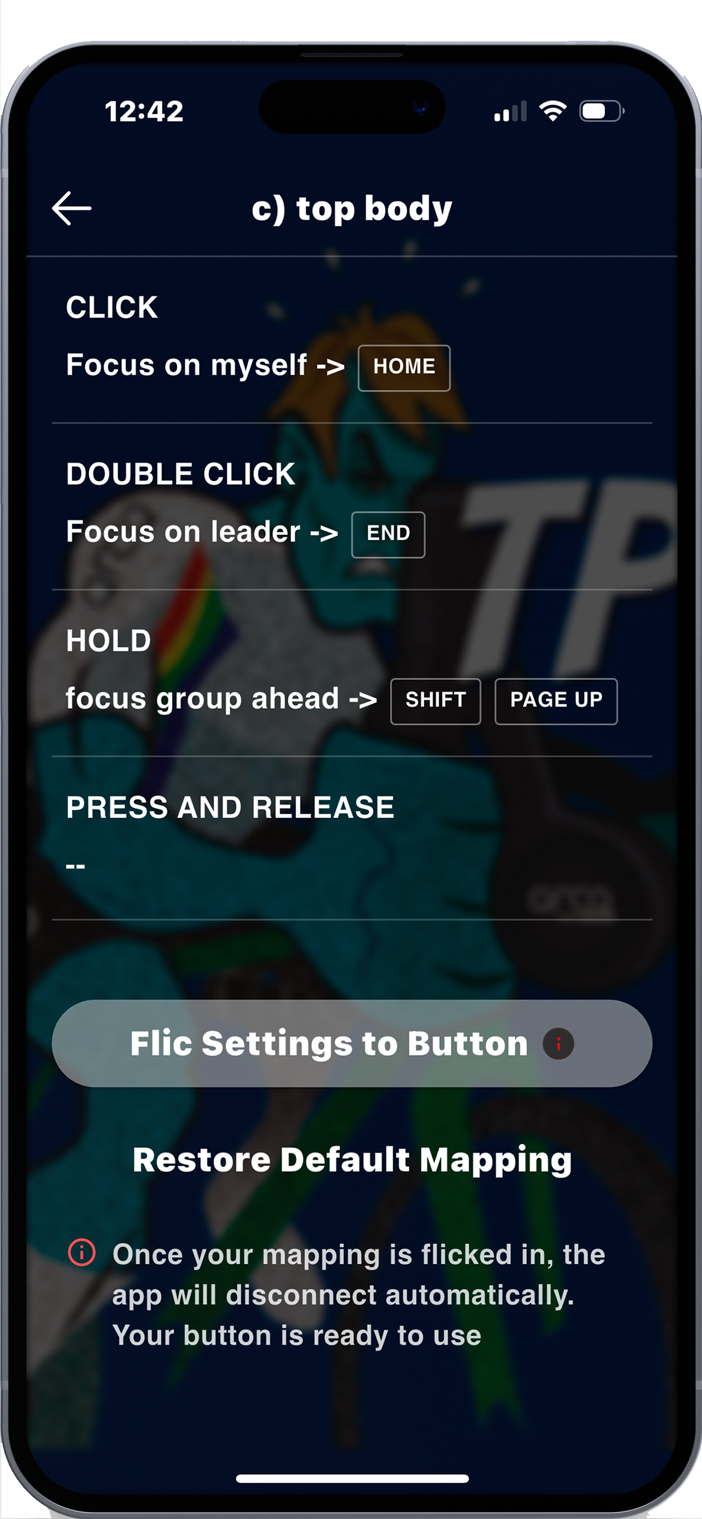
Three actions per button
Cada botón Arca Smart puede asignarse hasta tres acciones distintas según el tipo de pulsación que realices.
Click simple
Una pulsación rápida ejecuta la primera acción asignada
Doble click
Dos pulsaciones rápidas consecutivas activan la segunda acción
Mantener (hold)
Mantén presionado el botón para ejecutar la tercera acción
Customization
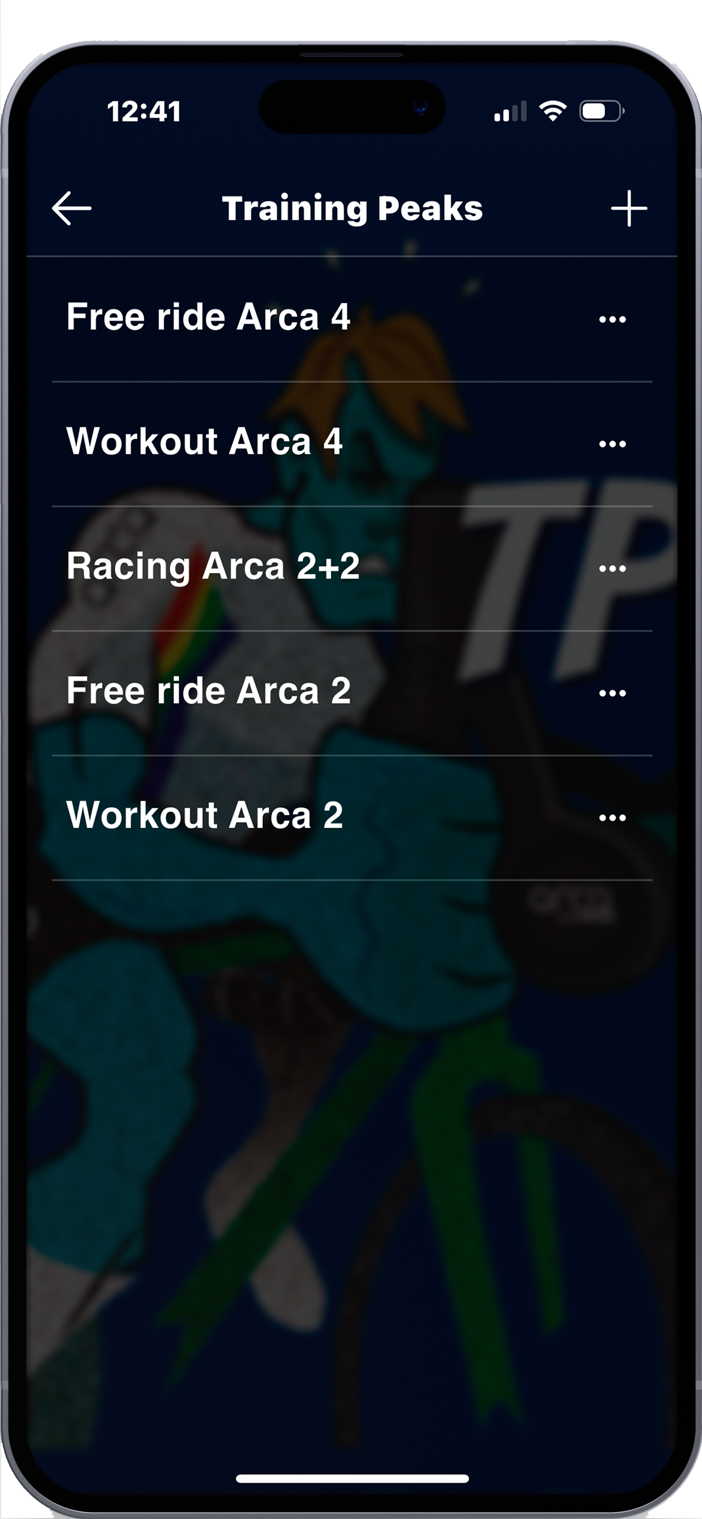
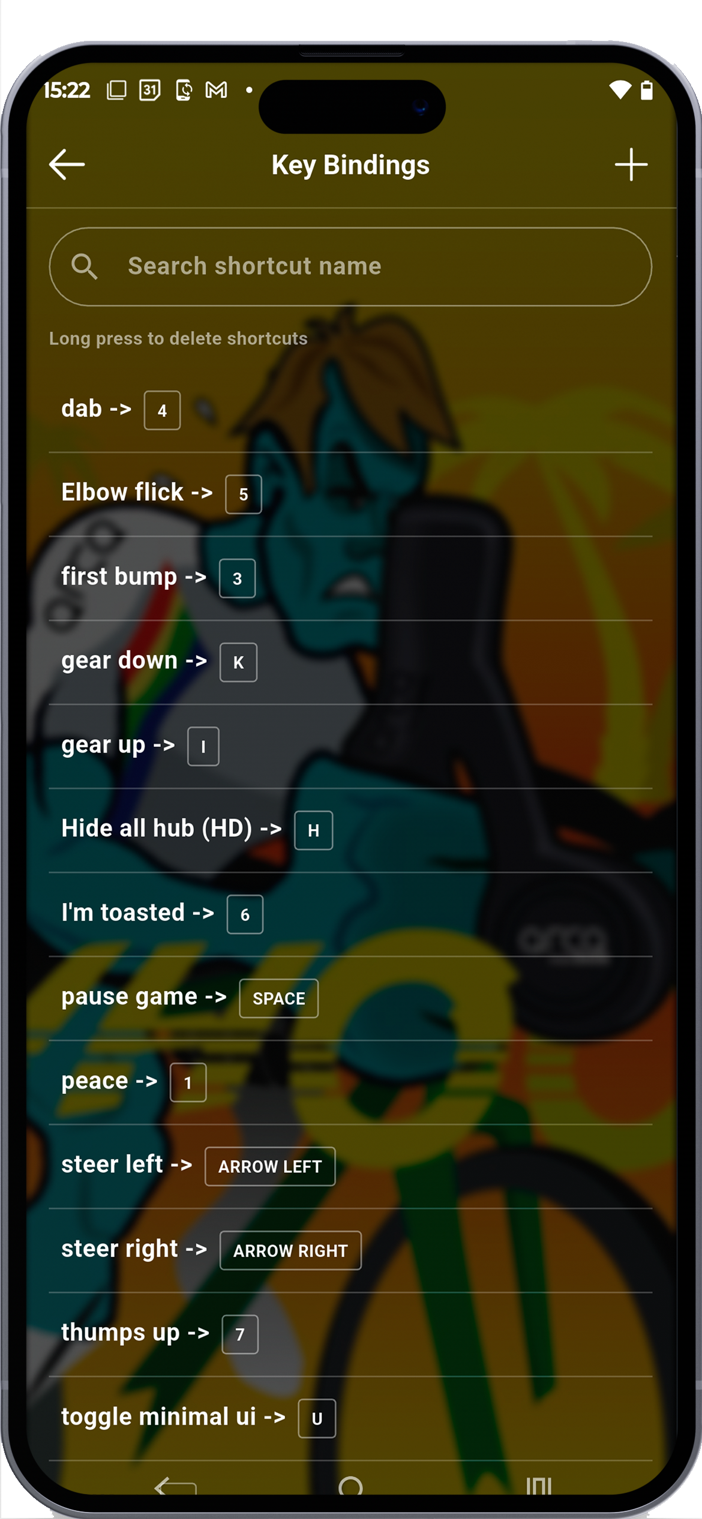
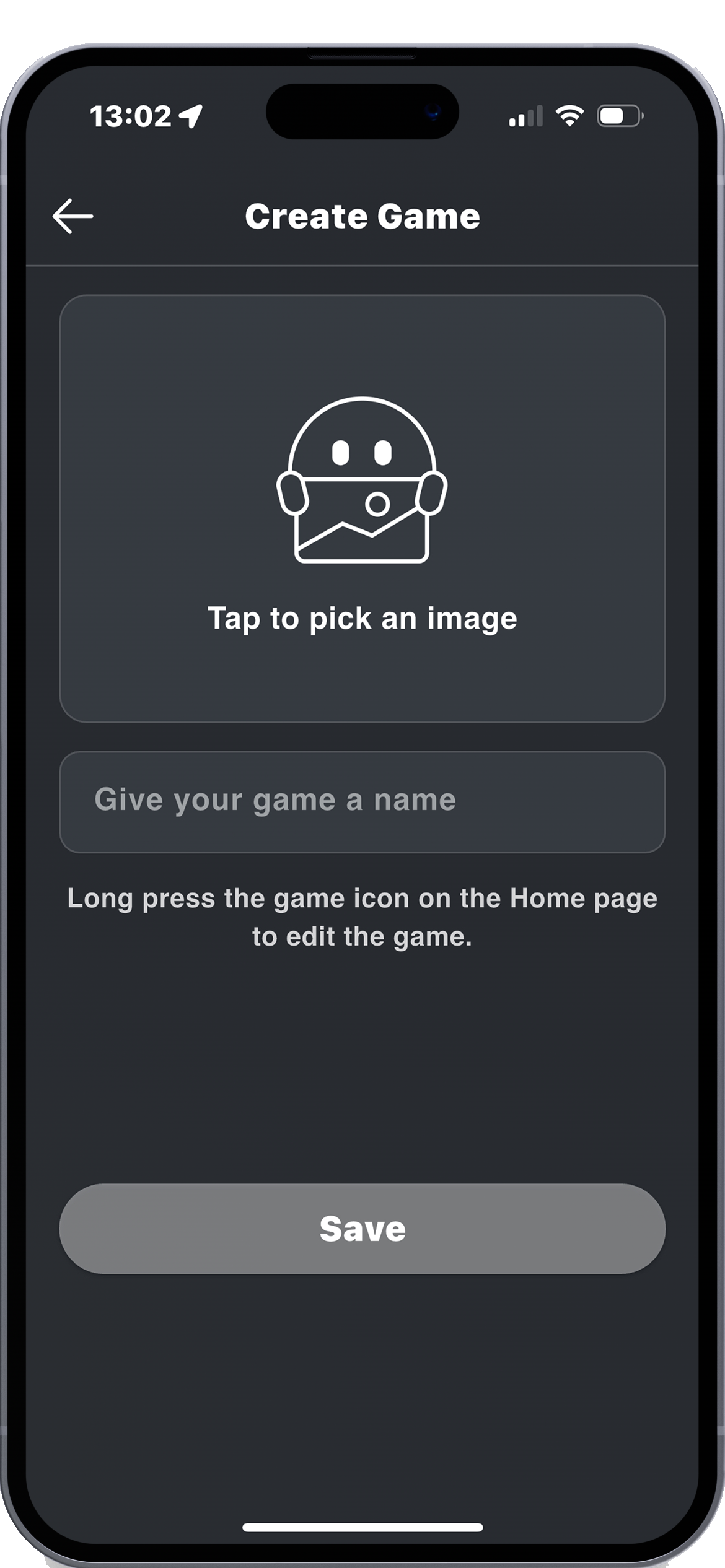
Customize your experience
Upload your favorite images from your preferred simulator
The app allows:
Start Now
Download the app and open a world of training possibilities

Compatible with iOS 14+, Android 8+, Windows 10+ and macOS 10.14+